Run the business side of your laser shop
Keep customers, jobs, files, supplies, recipes, quotes, and profit in one place so repeat work is easier to price, produce, and track.
Windows desktop app. 14 days free. No credit card required.
Built by a laser shop owner for laser shop owners.
Sound familiar?
The repeat-order scramble.
A customer who ordered a custom piece six months ago is back, wanting another one just like it. You start searching. Downloads. OneDrive. Email. Sometimes you end up texting the customer for a photo of the original because you can't find the file. What should be a 30-second look-up is a 15-minute scramble.
The settings notebook.
You dialed in this material a month ago. You know you nailed it. But you can't remember if it was 80 power 30 speed or 70/35, and the closest reference is a sticky note that fell off the monitor. So you run a test pass. Then another. Then you waste a piece of stock and finally get back to where you were.
The "did this make money" mystery.
You finish a job, ship it, get paid. But the margin is fuzzy. Material costs live in your head, in receipts, in supplier emails. You don't really know if you made minimum wage on a job or if you took a loss until tax time. If then.

I built this for my own shop.
“I run a laser engraving business and got tired of files scattered across folders, guessing at settings I'd dialed in a month ago, and never really knowing if a job made money once I counted the materials. So I built the tool I wanted. Laser Job Manager is what I use every day, and now it's available for your shop too.”
Everything your laser business needs
Not a generic project tool. Built specifically for laser shops.
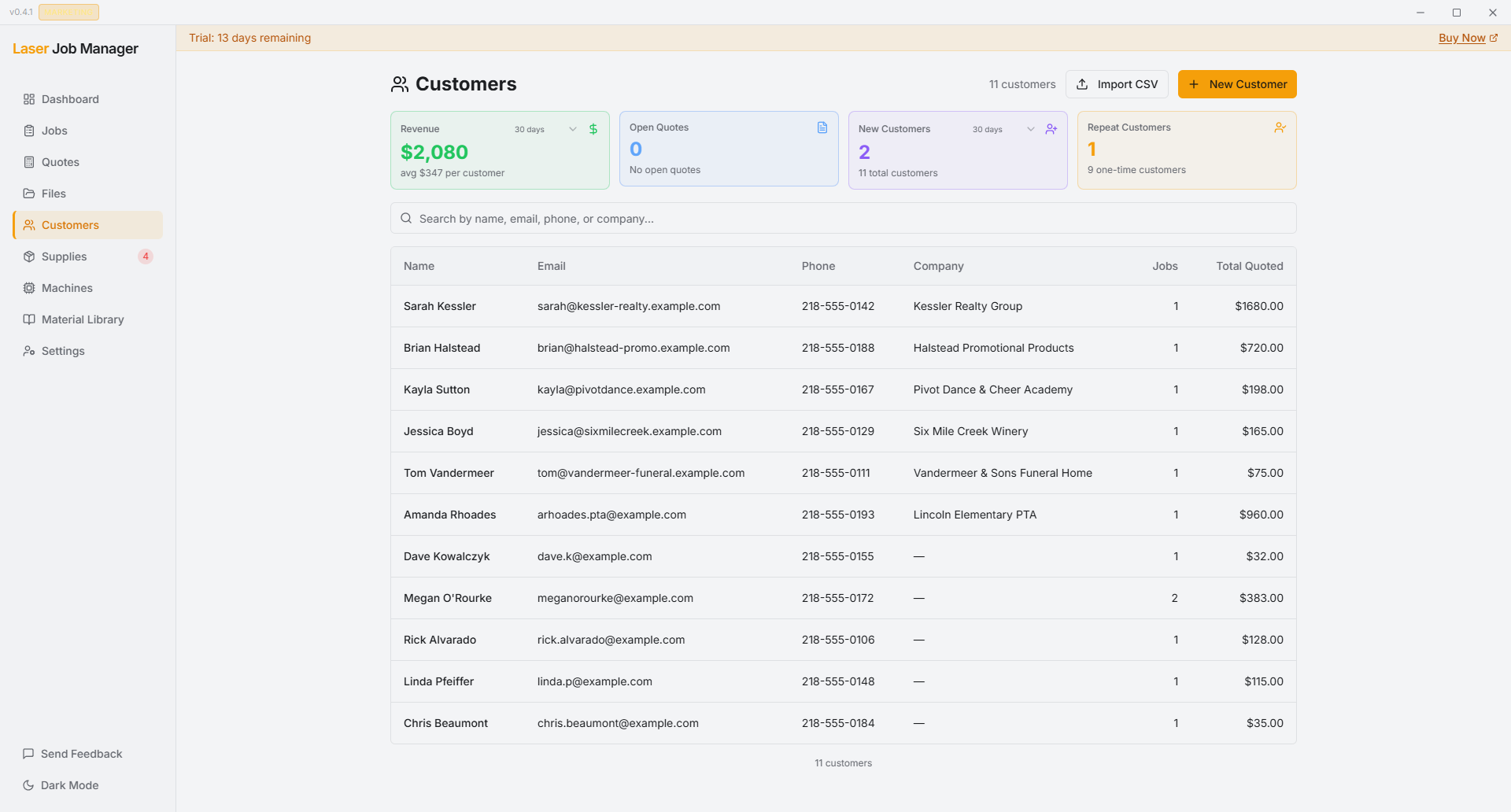
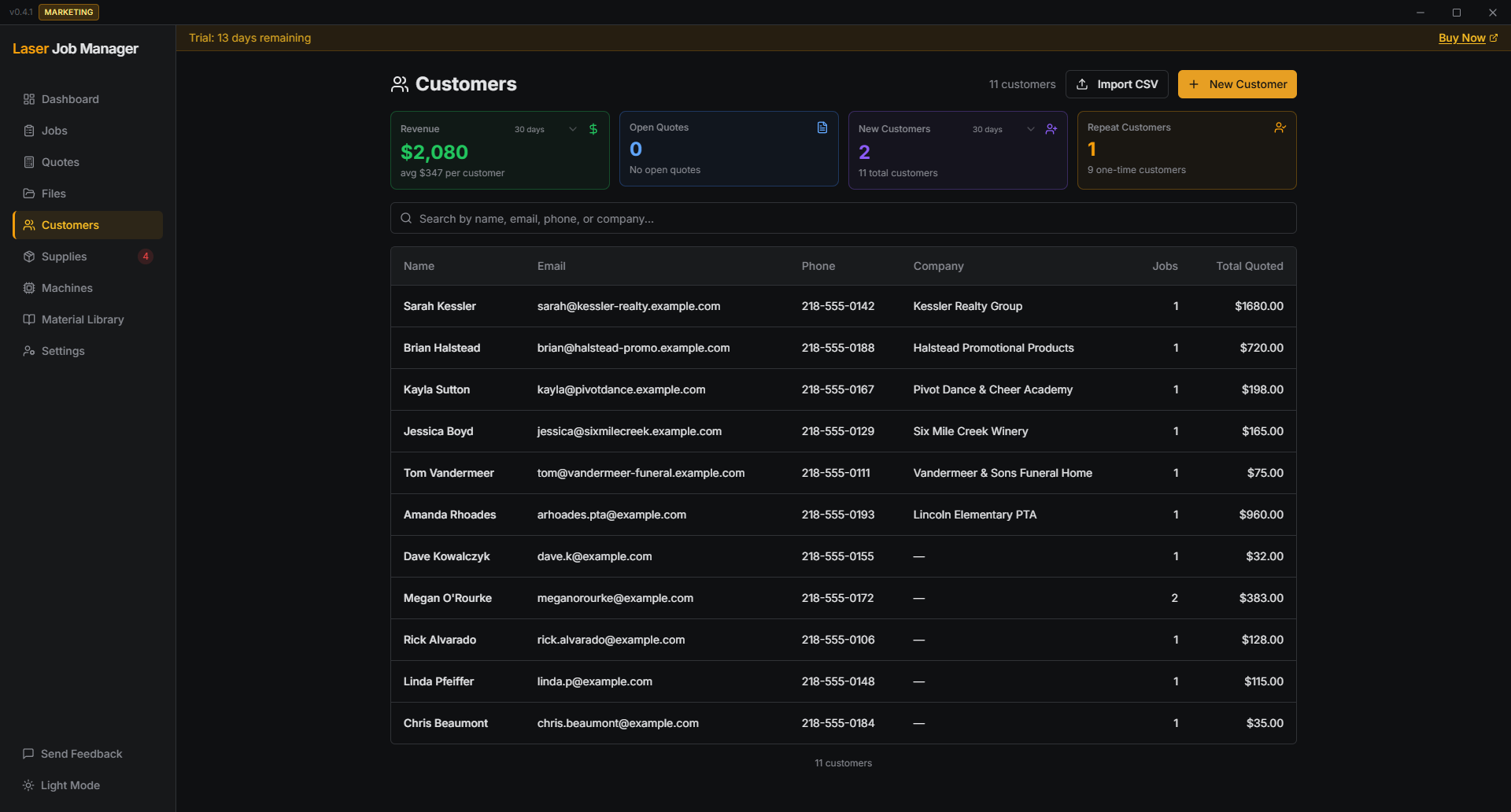
Customer & Job Management
Every job is tied to a customer. Every customer has a complete history — jobs, files, settings, quotes, and prices. When someone calls back, search their name and everything's right there. Create a job, attach files, set a deadline, track it from start to delivery.
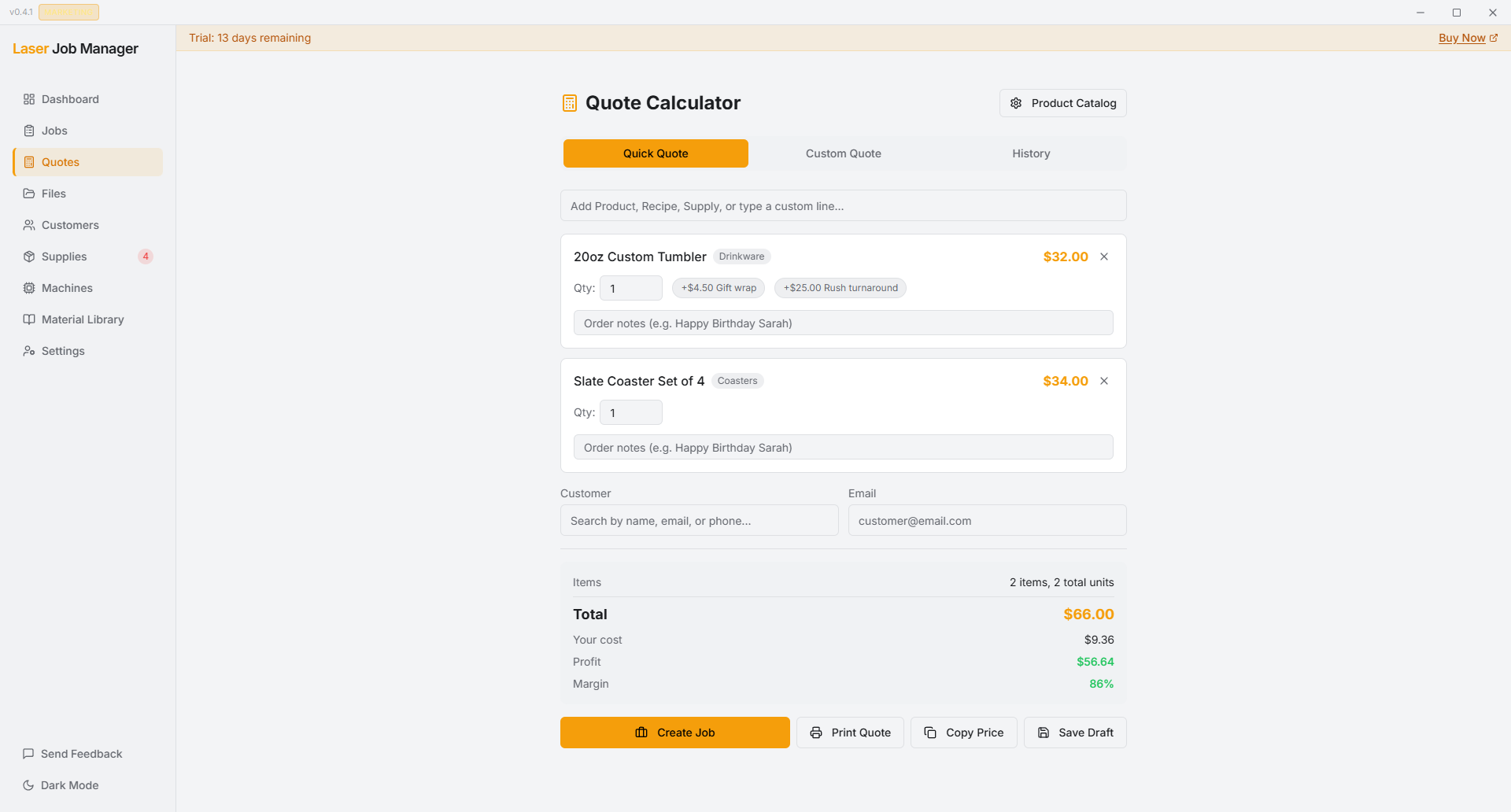
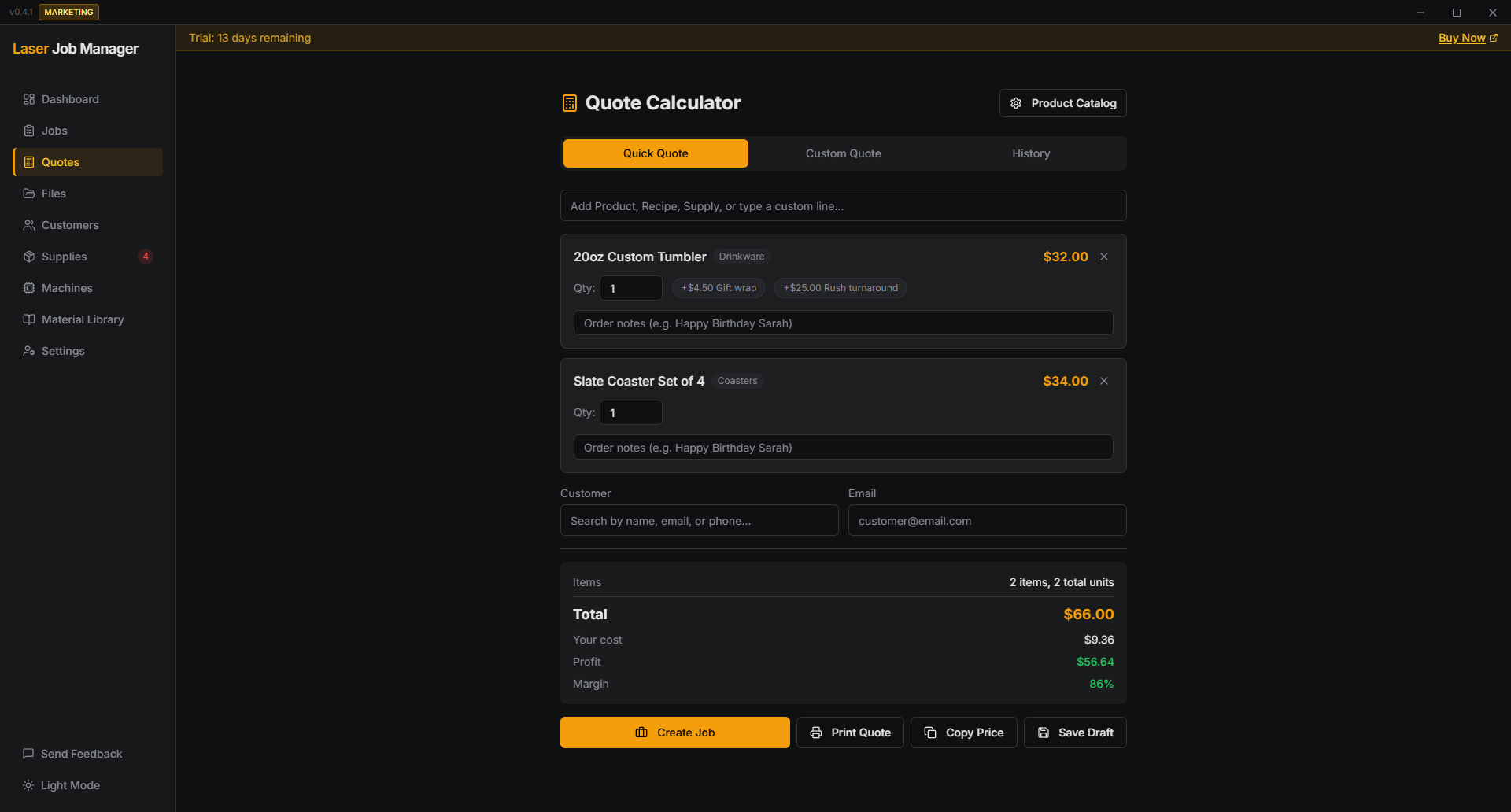
Quote Generator with PDF
Build quotes from your product catalog — add line items, apply modifiers like rush fees or material upgrades, and generate a professional PDF to send to your customer. When they approve, convert it to a job in one click.
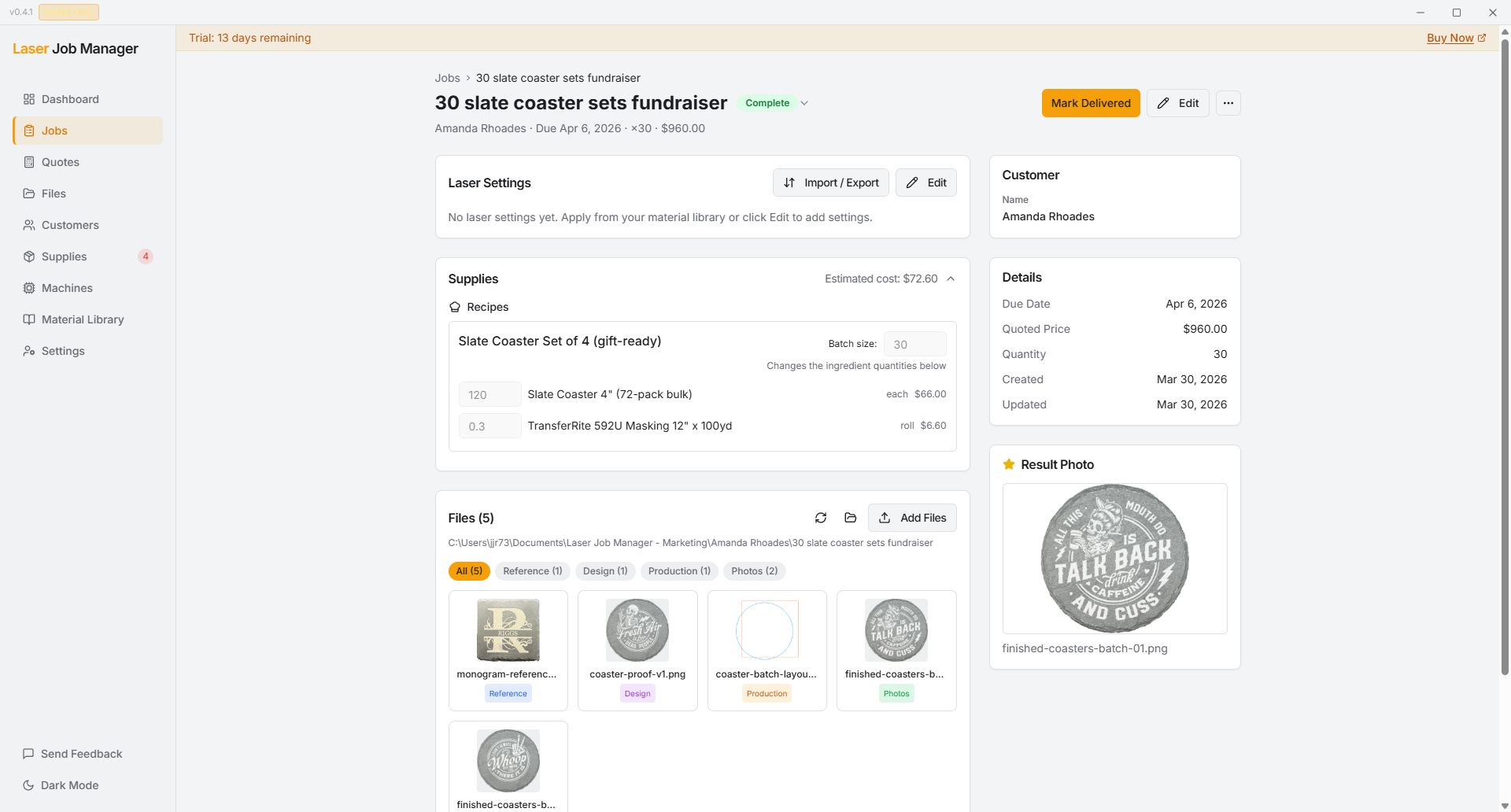
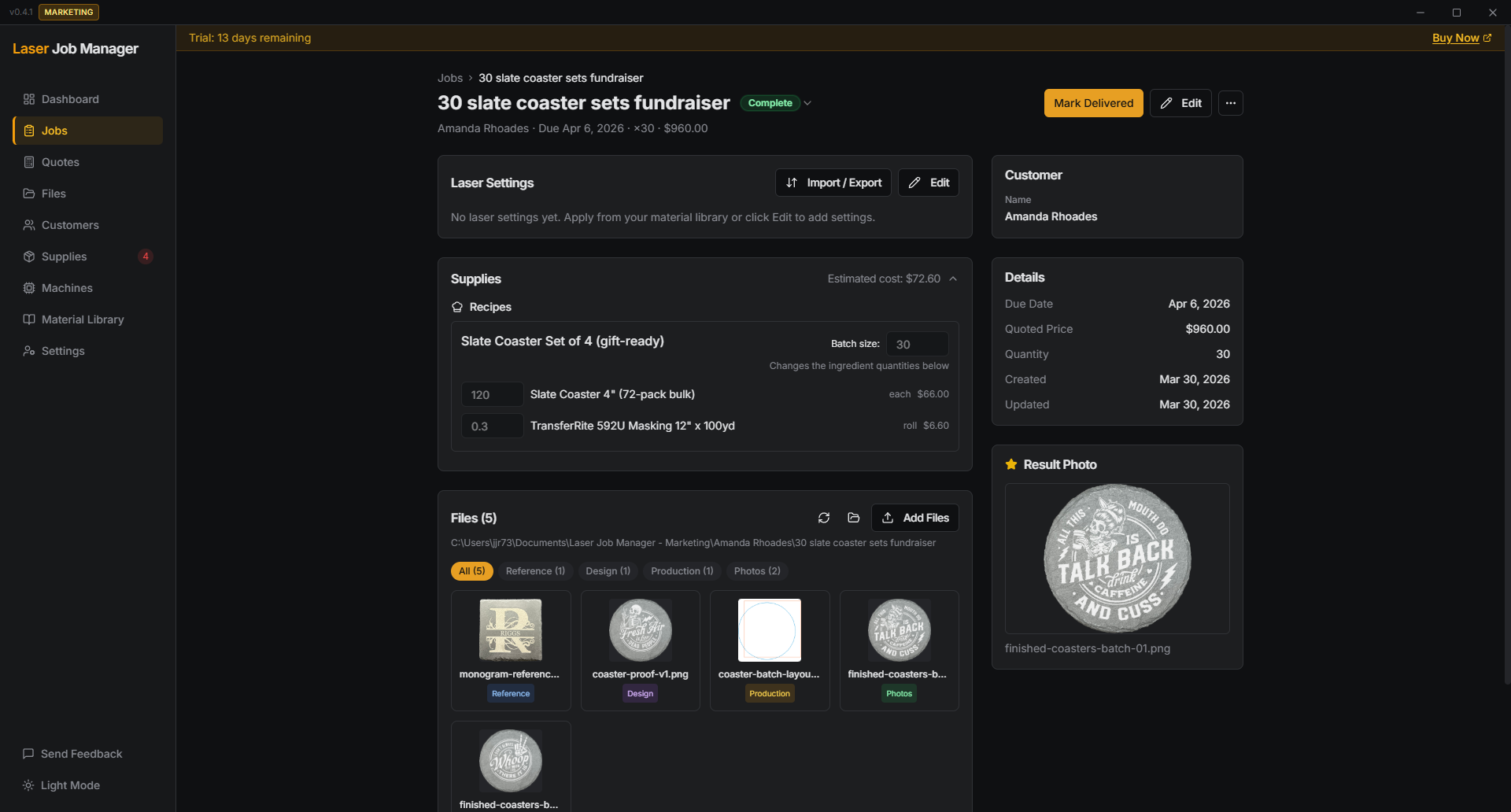
File Organization
Drop files onto a job and they're organized automatically — design files, LightBurn projects, reference images, result photos. Every file is linked to the job and customer it belongs to. Settings live alongside the files, so you never have to open LightBurn just to check what worked.
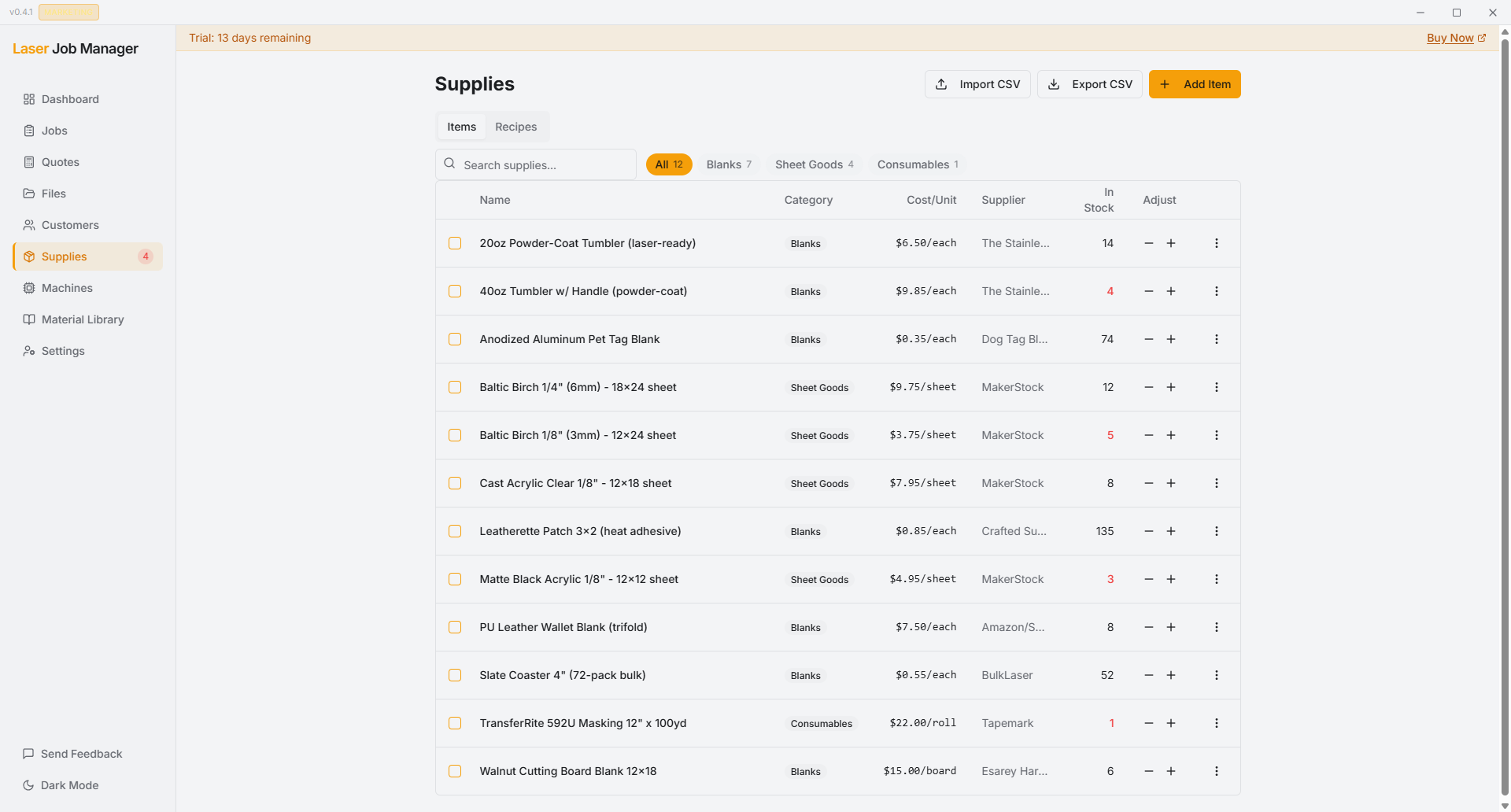
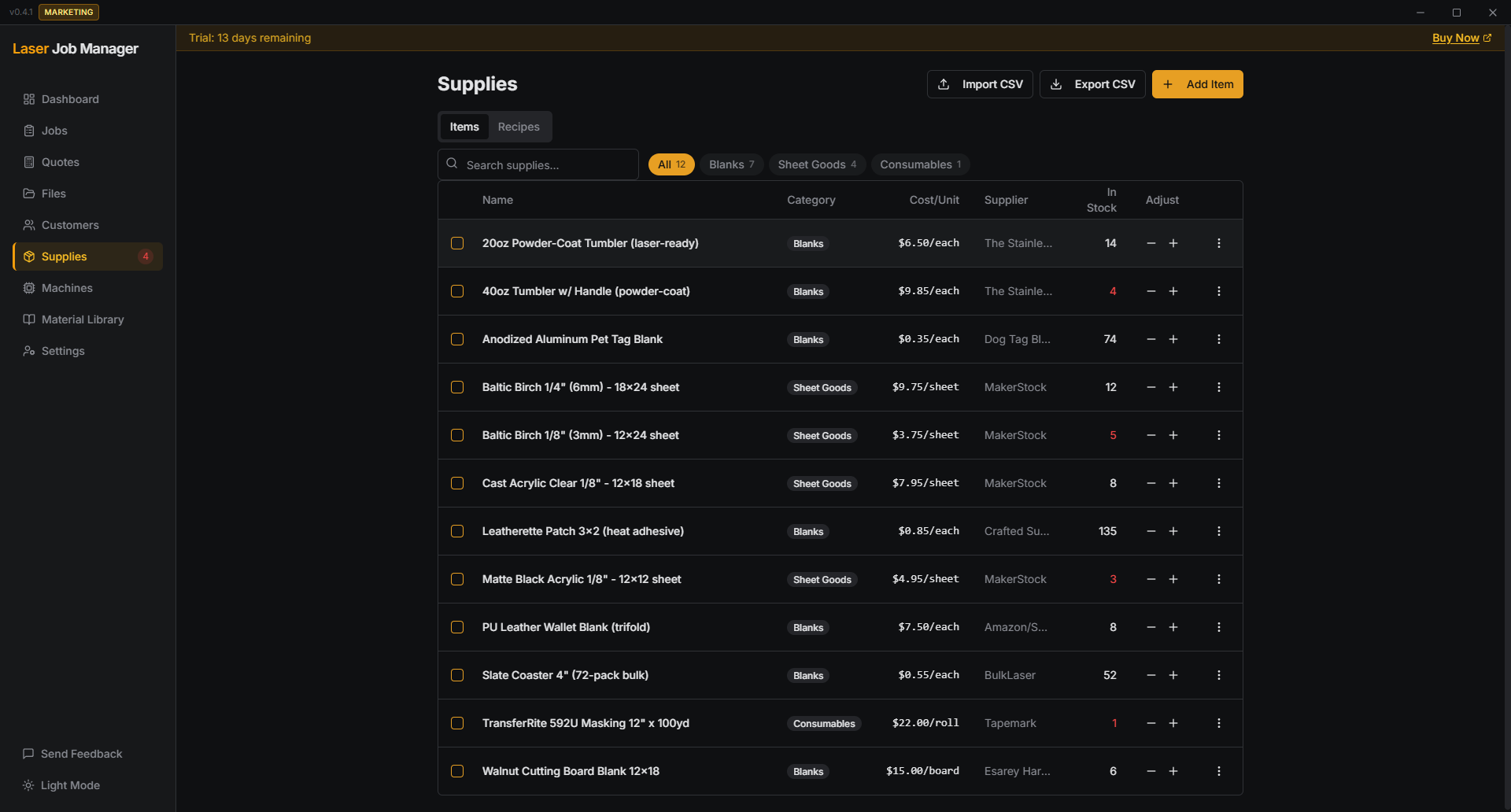
Supplies, Recipes & Profit
Track the blanks, sheet goods, and consumables you use on every job. Build recipes so a job like "30 coaster sets" auto-calculates 120 coasters + masking. Mark a job complete and see profit calculated from the supply cost — no spreadsheet math. Low-stock alerts tell you when to reorder before you run out.
How it works
Three steps. No learning curve.
Create a job, add your customer and files
Add the customer info (or import your existing spreadsheet), drop in the design files, set a deadline and price. LJM creates organized folders automatically.
Everything stays connected
Customer, files, settings, supplies used, deadline — all linked to one job. Mark it complete and see your profit calculated from the supply cost.
Customer comes back? You're ready.
Search their name, see every past job, duplicate it — files, cut settings, recipe, and price. What used to take 20 minutes takes 30 seconds.
See it in action
Three short demos walk through the core workflow.


Runs on your PC. No cloud required.
Your data stays on your machine. No internet needed in the shop.
Works offline
No internet needed in the shop
Your data, your machine
Nothing stored on someone else's server
One-time purchase
$99, no monthly fees, no subscription
Works alongside LightBurn
Import settings, open files directly
Import your customers
Bring your existing spreadsheet, up and running in minutes
Two machines, one shop. Coming soon.
LJM Connected links the machines in your shop so a job doesn't have to be carried by hand between them. In private beta now.
Front desk to laser handoff. Jobs appear on the other machine ready to run.
End-to-end encrypted with a passphrase only your machines know.
Included with a Connected subscription when it launches.
One price. Yours forever.
Buy it once and keep using it. Optional updates start after year 1.
Planned regular price: $149
Less than 4 months of QuickBooks Online. About half a LightBurn license. No monthly bill, ever.
- Unlimited jobs & customers
- Find any customer's job history instantly
- Duplicate jobs with one click for reorders
- Organized file folders per job — automatic
- Material cut-settings reference with LightBurn import
- Supply tracking with low-stock alerts
- Recipes group supplies for repeat jobs
- Profit per job calculated automatically
- 1 year of free updates included
14 days free. No credit card.
Updates after the first year are optional and cost $29/year. If you skip updates, the version you already have keeps working.
Frequently asked questions
Start with your next real job
Try Laser Job Manager on real work for 14 days. No credit card required. Keep your data even if you decide not to buy.
Not ready to try it yet?
Get a short email when there's a real product update, release, or demo worth seeing. No spam. No daily marketing.